
The Ultimate Guide to Your Google Business Profile
Make sure customers can find you, understand what you do and know how to get in touch.
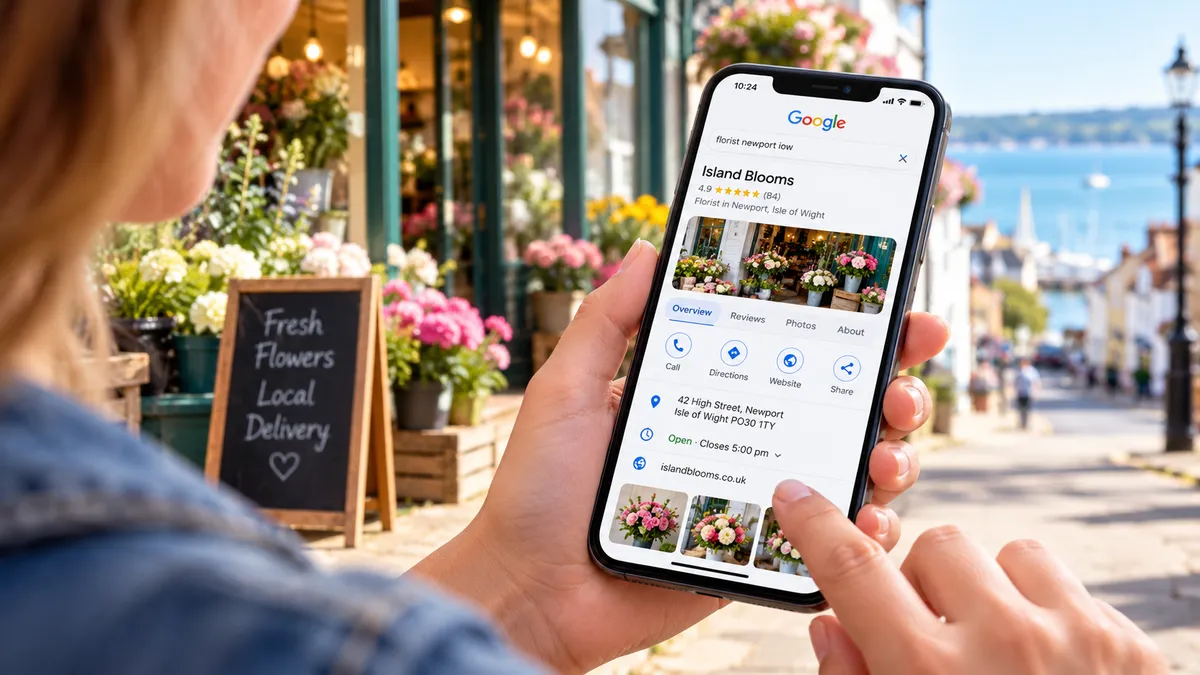
Your business has a shop window on Google. What does yours look like?
Imagine someone has just recommended your business to a friend.
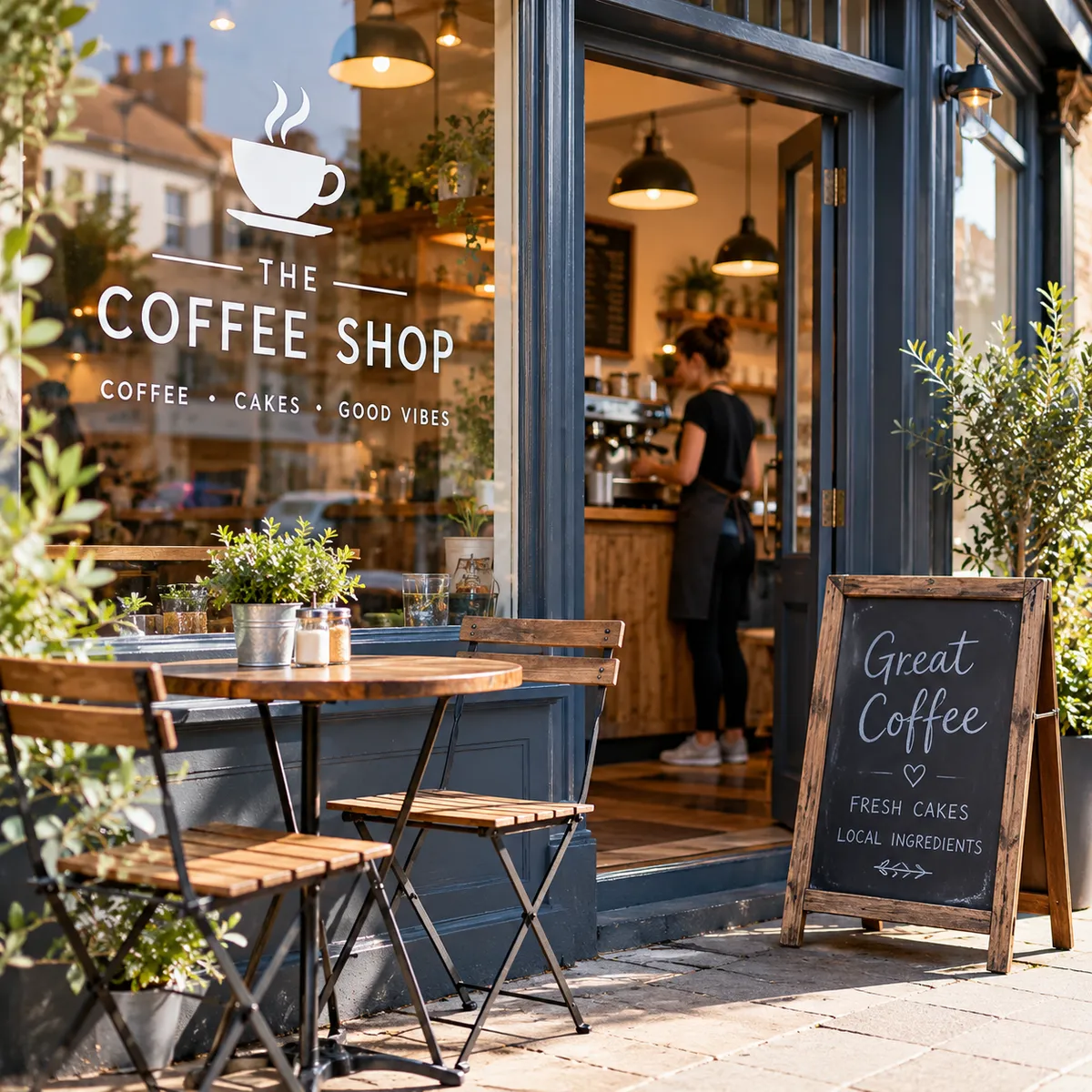
Perhaps you're a florist, a plumber, a hairdresser, a cake maker or the owner of a small café.
The friend picks up their phone, types your business name into Google and takes a look.
What do they see?
Hopefully, they'll find useful information about your business, including your telephone number, opening hours, photographs, customer reviews and perhaps a link to your website.
Much of that information can come from something called your Google Business Profile.
It's the business information that can appear in Google Search and on Google Maps.
And here's the good news: having and managing a Google Business Profile is free.
You don't need to be particularly good with computers to make use of it.
You just need to know what information to include and how to keep it up to date.
That's what this guide is about.
What if you don't have a Google Business Profile?
Don't worry.
Every business has to start somewhere.
If you've recently started working for yourself, opened your first shop or simply never got around to setting one up, we've got a separate beginner's guide:
How to Set Up Your Google Business Profile Properly — First Time
It walks you through the process, including checking whether Google already has a listing for your business, creating or claiming it where appropriate, and completing Google's verification process.
Once you've got access to your profile, come back here and we'll help you make the most of it.
For now, let's look at what a really useful Business Profile should contain.
1. Start by looking at your business through a customer's eyes
Before you change anything, try a little experiment.
Pick up your phone and search Google for your business.
Don't just glance at the result and think, "Yep, that's us."
Take a proper look.
Imagine you're somebody who has never used your business before.
Can you immediately tell what the business does?
Is the telephone number correct?
Can you see where the business is located, or which areas it serves?
Are the opening hours accurate?
Do the photographs make the business look appealing?
Are there customer reviews?
Can you easily find the website?
Most importantly, does the information give you confidence that this is a business worth contacting?
You might be surprised by what you notice when you look at your own business as a potential customer.
And that's the approach we'll use throughout this guide.
We're not trying to impress Google with clever tricks.
We're simply trying to make your business easy to understand and easy to contact.
2. Make sure the basic information is correct
Let's start with the essentials.
Your business name, address, telephone number, website and opening hours should all be accurate.
That sounds obvious, but things change.
Perhaps you've moved premises, changed your mobile number, launched a new website or started closing earlier on Saturdays.
It's surprisingly easy to update your own website and forget that Google still shows the old information.
Pay particular attention to opening hours
Imagine somebody checking your café's opening hours, travelling across town and discovering that you're closed.
That's not a great introduction to your business.
Google allows you to specify normal opening hours and special hours for occasions such as bank holidays.
So when your hours change, remember to update your profile.
A useful habit:
Whenever you change your opening hours, make updating Google part of the same job as changing the sign on your door.
3. Tell people what kind of business you run
Google asks you to choose a business category.
That might sound technical, but it's simply a way of describing what your business actually is.
A florist should be listed as a florist.
A hair salon should be listed as a hair salon.
A roofing contractor should be listed under an appropriate roofing category.
Choose the description that most accurately represents your main business.
You can also add other relevant categories if your business genuinely offers different types of services.
For example, a business that specialises in tyres but also provides other vehicle services may have appropriate additional categories available.
The important thing is accuracy.
Don't try to describe your business as something it isn't.
4. Write a description that actually tells people something
Your Google Business Profile can include a description of your business.
This is your opportunity to explain what you do in ordinary language.
Imagine somebody has just asked: "So, what does your business actually do?"
How would you answer?
That's a good starting point.
For example, compare these two descriptions.
Description A
"We are a customer-focused organisation committed to delivering outstanding solutions and exceptional service."
That could describe practically any business in the country.
Description B
"We're an independent florist in Newport on the Isle of Wight, creating bouquets, wedding flowers and arrangements for special occasions. We also offer local flower delivery."
Now the reader actually knows something useful.
You don't need complicated language or impressive-sounding claims.
Just explain what you do, where you do it and what customers can expect.
5. Make sure all your services are listed
Here's something worth checking.
Does your Google Business Profile actually tell people about all the services you provide?
Imagine somebody searching Google for wheel alignment in Ryde.
A local garage might offer exactly that service, but if its profile only mentions tyre fitting, potential customers may never realise that wheel alignment is available.
Depending on your type of business, Google allows you to add individual services and sometimes descriptions or prices.
This helps Google understand what your business offers and makes it easier for customers to see whether you provide what they're looking for.
For example, a garage might provide tyre fitting, wheel alignment, servicing and air-conditioning work.
A beauty salon might offer hair styling, manicures, facials and other treatments.
A decorator might provide interior painting, wallpapering and exterior decorating.
Don't assume that potential customers automatically know everything you offer.
And don't assume that mentioning your main business category tells them about every individual service.
Take a few minutes to check your services.
Have you listed everything you genuinely offer?
Have you introduced any new services recently?
The more accurate and complete your information is, the easier it becomes for potential customers to understand whether your business can help them.
6. Check your location or the areas you serve
Not every business operates from a shop or office that customers visit.
A café needs people to know where its entrance is.
A mobile hairdresser might travel to customers' homes.
A plumber might work throughout the Isle of Wight without having public business premises.
Google allows eligible businesses to specify the areas they serve and, where appropriate, hide an address that customers shouldn't visit.
Make sure your profile reflects how your business actually operates.
If customers come to you, they need to know where to find you.
If you go to them, they need to know whether you cover their area.
Simple as that.
7. Make contacting you as easy as possible
People shouldn't have to work hard to contact a business.
Check your telephone number.
Better still, tap it on your phone and make sure it works.
Do the same with your website link.
If your business accepts appointments, reservations or online orders, check whether Google provides an appropriate option for linking directly to those services.
For example, somebody looking for a restaurant may appreciate being able to view the menu or book a table.
Someone looking for a hairdresser might prefer to book an appointment online.
The fewer unnecessary steps customers have to take, the easier you make their lives.
8. Your photographs might be the most important part
For some businesses, photographs can make an enormous difference to the impression customers form.
Imagine you're looking for someone to make a wedding cake.
You find two local businesses.
One has three rather dark photographs taken several years ago.
The other has beautiful, clear photographs of recent cakes, showing different styles, decorations and finished presentations.
Which business would you be more interested in exploring?
The same principle applies to florists, decorators, tilers, landscapers, hairdressers, restaurants and many other businesses.
Show people what you actually do.
Don't overlook the beauty of good workmanship
Not every impressive photograph needs to feature flowers, cakes or beautifully decorated rooms.
Sometimes the quality of someone's work is impressive in its own right.
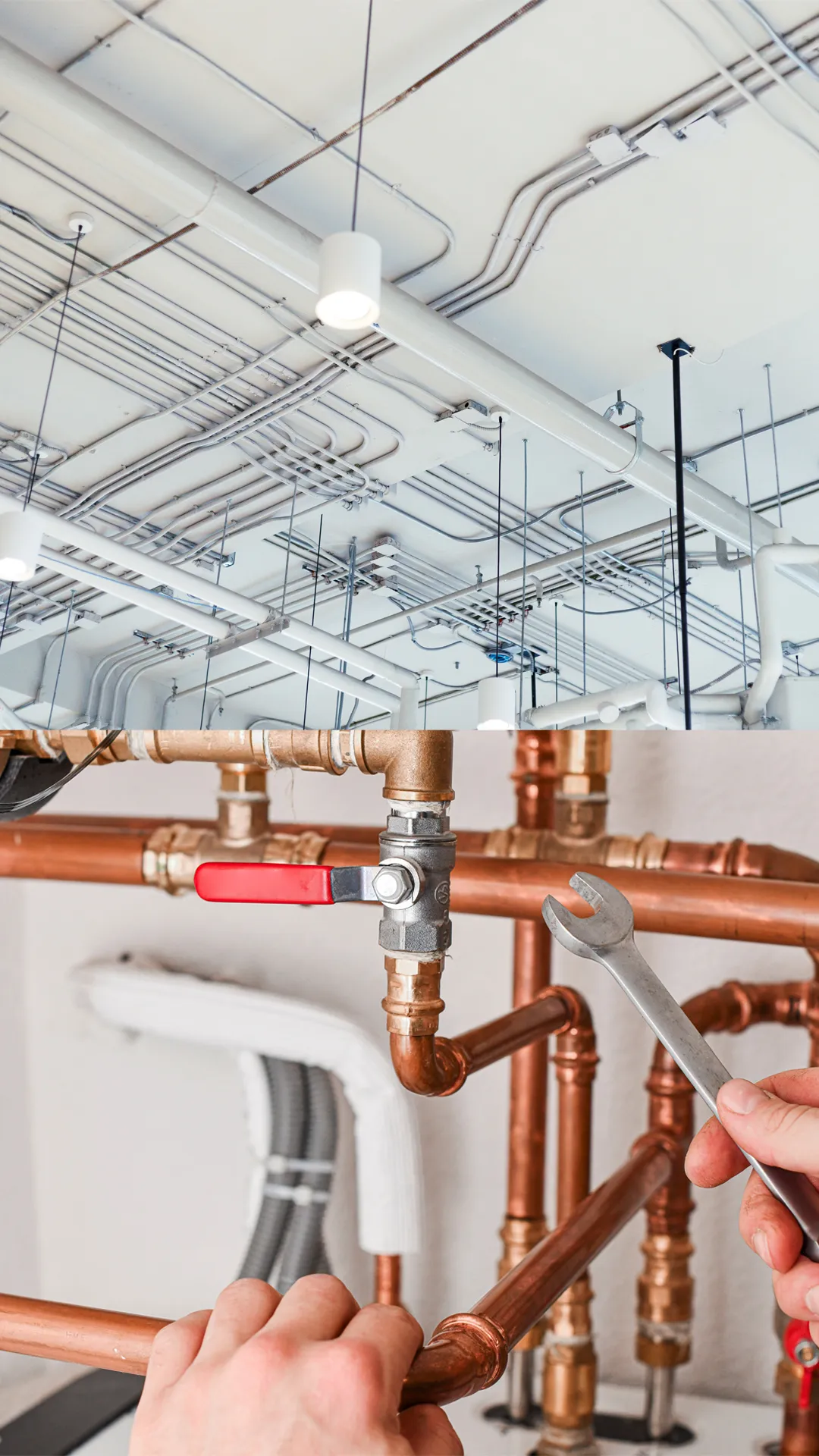
Think about a plumber who's just completed an intricate installation.
Rows of neatly arranged copper pipes, perfectly positioned bends and carefully fitted components might not sound particularly exciting, but a photograph of beautifully executed pipework can be surprisingly striking.
The same applies to an electrician's neatly organised electrical installation, a carpenter's precision joinery or a roofer's carefully finished leadwork.
These photographs don't just show what you've done.
They demonstrate the care, skill and attention to detail you bring to your work.
So, before covering up an installation or packing away your tools, take a moment to photograph the workmanship you're proud of.
It could be exactly the sort of thing that gives a potential customer confidence in your business.
Don't forget the outside of your business
If customers visit your premises, include a clear photograph of the outside.
It might not be the most exciting photograph you ever take, but it could be one of the most useful.
Imagine somebody visiting your shop, café or workshop for the first time.
A photograph showing the entrance, shopfront or building can help them recognise where they're going.
If your premises are tucked away in a courtyard, behind another building or on an industrial estate, this can be particularly helpful.
You don't need an expensive camera
Modern smartphones are capable of taking excellent photographs.
A few simple habits can make a big difference:
Clean your phone's camera lens.
Use plenty of natural light where possible.
Look for distracting clutter in the background.
Take several photographs from different angles.
Make sure the important part of the image is clearly visible.
Ask permission before photographing customers or private property where appropriate.
And remember that you can use photographs in more than one place.
Finished a beautiful wedding arrangement?
Don't just post it on Instagram.
Consider adding your best photographs to your Google Business Profile too.
Potential customers who discover you through Google may never have seen your Instagram account.
Give them something worth looking at.
9. Check your logo and main photograph
Your business logo helps people recognise your brand.
Your main photograph should give people a good impression of the business.
Choose images that are clear, attractive and appropriate.
A florist might choose a beautiful arrangement.
A restaurant might show its dining area or a particularly appealing dish.
A garage might show its premises or workshop.
Google doesn't guarantee that your chosen cover photograph will always be the first image displayed, but it's still worth selecting a good one.
Avoid adding lots of text, telephone numbers or promotional messages to your photographs.
Let the images do their job.
10. Add useful information about your facilities
Depending on your type of business, Google may allow you to include additional information about the facilities and services available.
For example, a café might be able to specify whether it offers outdoor seating.
A restaurant might provide information about dining options.
Other businesses may have different choices available.
Have a look at what's relevant to your business.
These little details can answer questions before customers need to ask them.
And always make sure the information is accurate.
11. Don't neglect your customer reviews
Reviews are often one of the first things people notice when researching a business.
They provide an opportunity to hear from people who've actually used your services.
So don't treat reviews as something that happens in the background.
Read them, and where appropriate, reply.
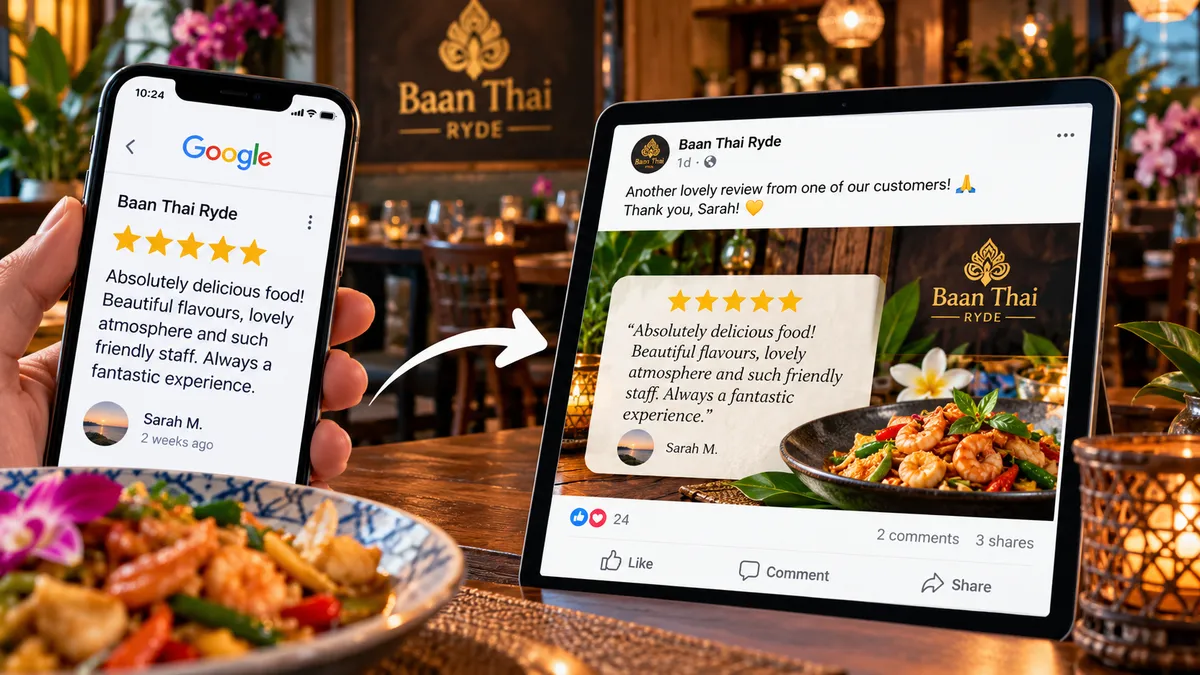
Illustrative example of Google reviews being shared on Baan Thai Ryde's Facebook page.
Reply to positive reviews
If someone has taken the time to leave a lovely review, a simple thank-you is a nice gesture.
It doesn't need to be an essay.
Something like: "Thank you for your lovely review. We're delighted you enjoyed your visit and hope to see you again soon."
That's perfectly adequate.
Reply professionally to criticism
Not every review will be glowing.
If someone raises a genuine concern, respond calmly and professionally.
Remember that other potential customers may read your response.
How you handle criticism can tell people quite a lot about how you run your business.
12. Make leaving a review easy
Here's a simple idea that many businesses could put into practice.
Imagine you've just finished a job and the customer is delighted.
You ask whether they'd mind leaving a Google review.
They happily agree.
But then they have to find your business on Google, locate the review section and work out what to do next.
It's not particularly difficult, but it's another little task competing for their attention.
Why not make it easier?
Google allows businesses to share a direct review link or QR code.
A QR code is simply one of those little square patterns that people can scan with their phone's camera.
Scanning it can take them directly to the place where they can leave a review.
You could include the QR code on your invoices or receipts, giving customers an easy way to leave feedback after purchasing something or using your services.
There's also another option for businesses that deal with customers face to face.
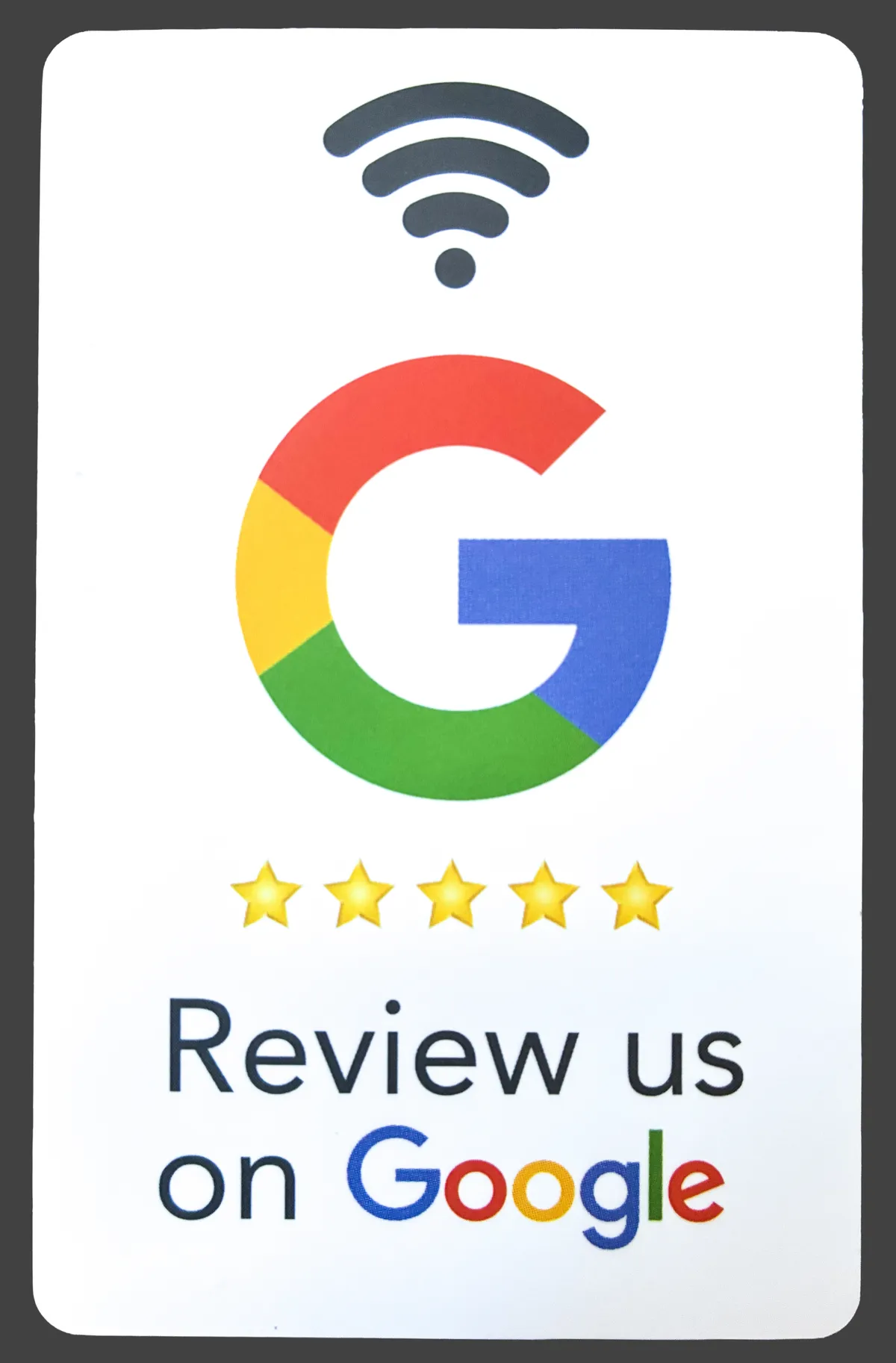
NFC review cards use contactless technology to open a business's Google review page when a customer taps the card with a compatible smartphone.
Both approaches make it easier for customers to share their experiences without having to search for the business themselves.
You don't need to pressure anybody into leaving a review.
And you should never offer rewards in exchange for positive reviews.
Just make it easy for customers who genuinely want to share their experience.
13. Keep customers informed when something changes
Your Google Business Profile isn't something you need to update every day.
But it shouldn't be forgotten either.
Perhaps you've introduced a new service, you're running an event, you've changed your opening hours or you have something useful to announce.
Google provides options for publishing updates, offers and events, depending on the features available to your business.
Use them when you have something worthwhile to share.
You don't need to post simply for the sake of posting.
A useful update is better than a stream of messages that don't tell customers anything.
14. Connect your social media accounts where possible
If your business uses Facebook, Instagram or other social platforms, check whether Google allows you to add links to them.
Availability varies by profile and location.
These links can be particularly helpful when customers want to see more examples of your work.
For example, someone researching a wedding florist might enjoy browsing their Instagram photographs.
A potential customer looking for a decorator might appreciate seeing completed projects on Facebook.
Don't feel you need to join every social media platform just because it exists.
Concentrate on the ones that are genuinely useful to your business and customers.
And make sure any links you provide work correctly.
15. Could all this help your business appear higher on Google?
Possibly.
Google says that keeping your business information complete and accurate can help it understand your business and show it in relevant searches.
Having useful photographs, genuine reviews and current information can also contribute to a better presence on Google.
But there's no guarantee that making these changes will move your business to the top of the search results.
And that's not really why we're doing them.
We're making sure potential customers see a business that looks active, trustworthy and easy to deal with.
That's worthwhile regardless of where your business appears in Google's listings.
16. Give your Google Business Profile a quick monthly check
You don't need to spend hours maintaining your profile.
But setting aside a little time each month can help you spot things that need attention.
Here's a simple checklist:
Business information
Is your business name correct?
Is your telephone number correct?
Does your website link work?
Are your opening hours accurate?
Is your address or service area correct?
What you offer
Are your main services listed?
Have you introduced anything new?
Is your business description still accurate?
Photographs
Do your photographs represent the business as it looks today?
Have you completed any work worth photographing?
Could you add a few useful recent images?
Customer reviews
Have you read your recent reviews?
Have you replied where appropriate?
Are you making it easy for customers to leave reviews?
Other details
Do your social media links work?
Are your booking or ordering links correct?
Are there any upcoming changes to your opening hours?
One final thought
Your Google Business Profile is often one of the first impressions people get of your business.
And first impressions matter.
You don't need to be a technology expert to make that impression a good one.
Keep your information accurate.
Show people what you do.
Use good photographs.
Make it easy to contact you.
Pay attention to your reviews.
And update things when your business changes.
Most importantly, look at your profile through the eyes of somebody who might become your next customer.
If they can easily understand your business, see examples of your work and find the information they need, you're giving them a much better experience.
And that's what a good Google Business Profile should do.
Need a little help? We've got you covered.
Looking after your Google Business Profile doesn't have to be complicated.
But when you're busy running a business, even the simplest jobs can end up at the bottom of your to-do list.
Here are two ways Vectis AI can help make managing your customer reviews a little easier.
Google Review NFC Cards - £20
Make leaving a Google review as simple as a tap.
Our ready-to-use NFC review cards let customers open your business's Google review page by tapping the card with a compatible smartphone.
No searching for your business, no typing in web addresses and no complicated instructions.
Each card is programmed specifically for your business and tested before delivery.
Simply keep it somewhere convenient and invite customers to tap when they'd like to leave a review.
Just £20 per card, including UK delivery.
If you would like to discuss quantity discounts please reach out using the contact form.
No subscription or ongoing fees.
Automated reputation management
Would you prefer to spend less time keeping track of customer reviews?
Vectis AI is developing a managed reputation service to help small businesses request customer reviews, keep track of feedback and stay on top of their online reputation.
This could include automated review requests and follow-up messages, helping you maintain contact with customers without having to remember every little task yourself.
We're still developing this service, but if it's something your business might benefit from, we'd be happy to have a conversation about what you need.
Copyrights 2026 | Vectis Auto AI™ | Terms & Conditions | Cookie Policy | Privacy Policy